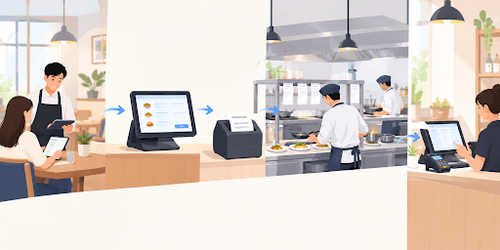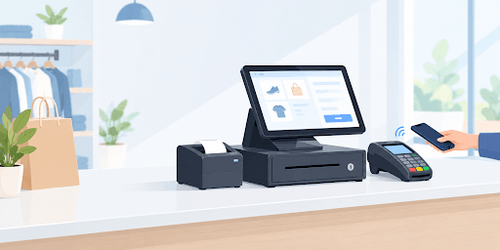
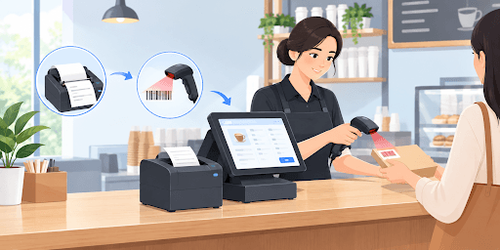
A thermal printer and a barcode scanner sit side by side at almost every billing counter, yet most explanations of how they work treat them as two unrelated pieces of hardware. Understanding how a thermal printer works and how a barcode scanner works together makes it easier to see why a slow bill or a failed scan usually traces back to one of these two devices.
How Does a Thermal Printer Work at a Billing Counter?
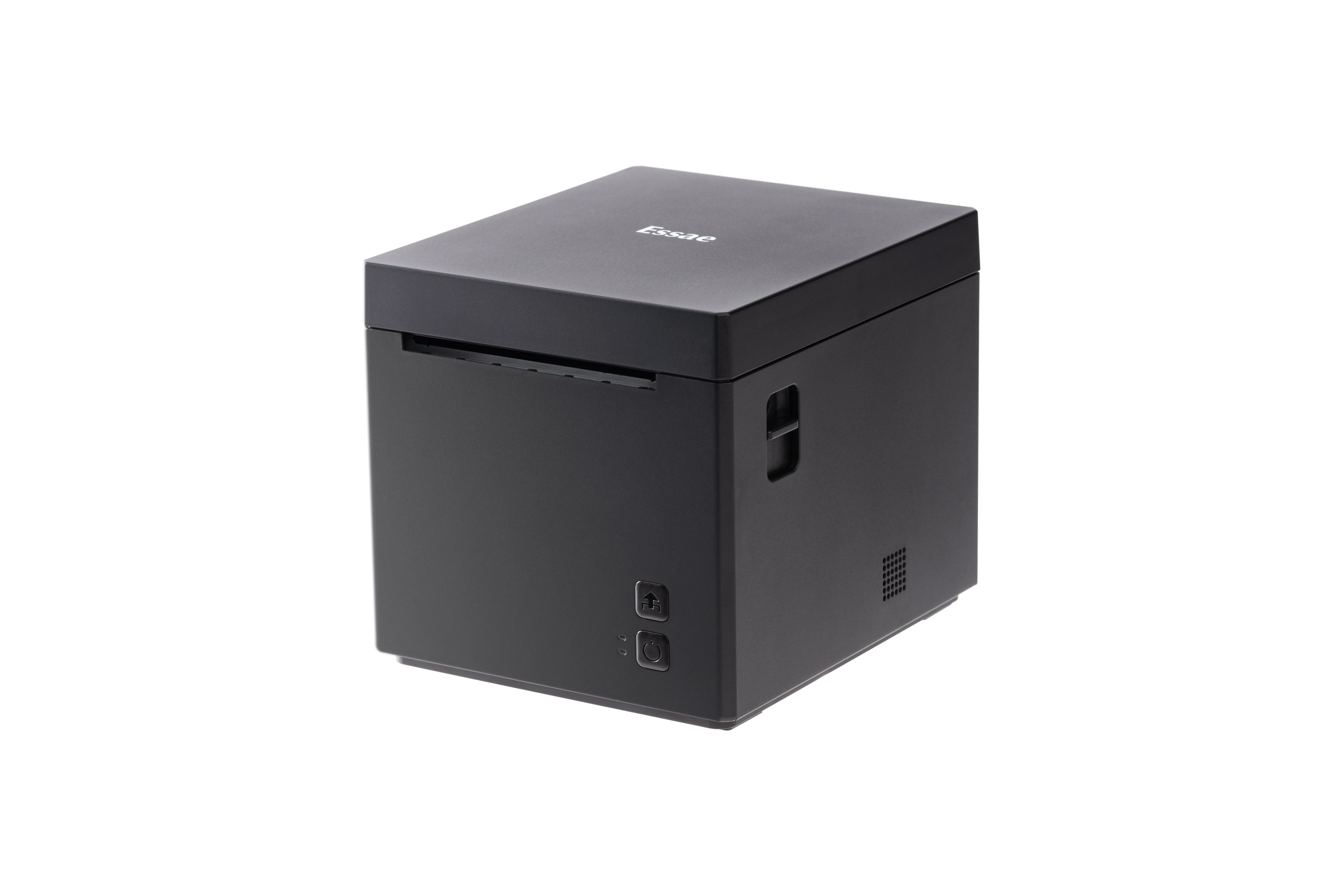
A thermal printer produces a bill using heat instead of ink. Inside the printer, a row of tiny heating elements presses against the paper as it moves through, and each element switches on or off to form the letters and numbers of the invoice.
Most billing counters use a method called direct thermal printing. In this method, the paper itself is coated with a layer that darkens wherever it touches a heated element. There is no ribbon, cartridge, or toner involved, which is part of why a thermal printer works reliably even after long hours of continuous billing.
This kind of thermal paper reacts to heat rather than light, so it also darkens slightly if left in a hot car or near direct sunlight for too long. That is a normal trait of the paper, not a fault in the printer, and it is worth keeping in mind when storing printed bills for later reference.
A thermal receipt printer built for a billing counter is designed around this exact process, printing a full GST-compliant bill in a second or two, which matters most during a rush when several customers are waiting to pay.
How Does a Barcode Scanner Work at a Billing Counter?
A barcode scanner reads a product by shining light onto the black and white bars printed on its label. The white spaces reflect that light, while the black bars absorb it, and the scanner's sensor picks up this pattern of light and dark.
Once the pattern is captured, the scanner converts it into an electrical signal, which is then decoded into the number or code the billing system recognizes as a specific product. This entire process, from the light hitting the barcode to the item appearing on the bill, usually takes a fraction of a second.
Not every scanner reads every kind of code. A basic laser scanner is built to read simple 1D barcodes, the familiar lines seen on most packaged products, while a camera-based scanner can also read 2D codes such as QR codes used for UPI payments. Knowing which type a counter has explains why some codes scan instantly and others do not scan at all.
Reliable POS peripherals built for daily counter use tend to hold up better under constant scanning than general-purpose scanners, since they are made for the volume a billing counter sees every day.
Why Do These Two Devices Matter More Together Than Separately?
A thermal printer and a barcode scanner are usually bought and set up together, since one records what is being sold and the other prints the proof of that sale. Seeing how a thermal printer works alongside how a barcode scanner works makes it easier to understand why the two are rarely chosen separately.
| Device | How It Works | What It Means for Billing |
|---|---|---|
| Thermal printer | Heat darkens coated paper to form the bill | Fast, ink-free printing of GST-compliant receipts |
| Barcode scanner | Light reflects off a barcode and is decoded into a product code | Quick, accurate item entry without manual typing |
Used together, a scanned item moves straight from the shelf to the bill without a cashier typing a single price, and the printer turns that same information into a receipt within seconds. A POS printer paired with a reliable scanner is often what separates a fast-moving counter from one where customers wait while staff searches for a missing barcode or a price.
What Should You Look for When Choosing Each One for a Billing Counter?
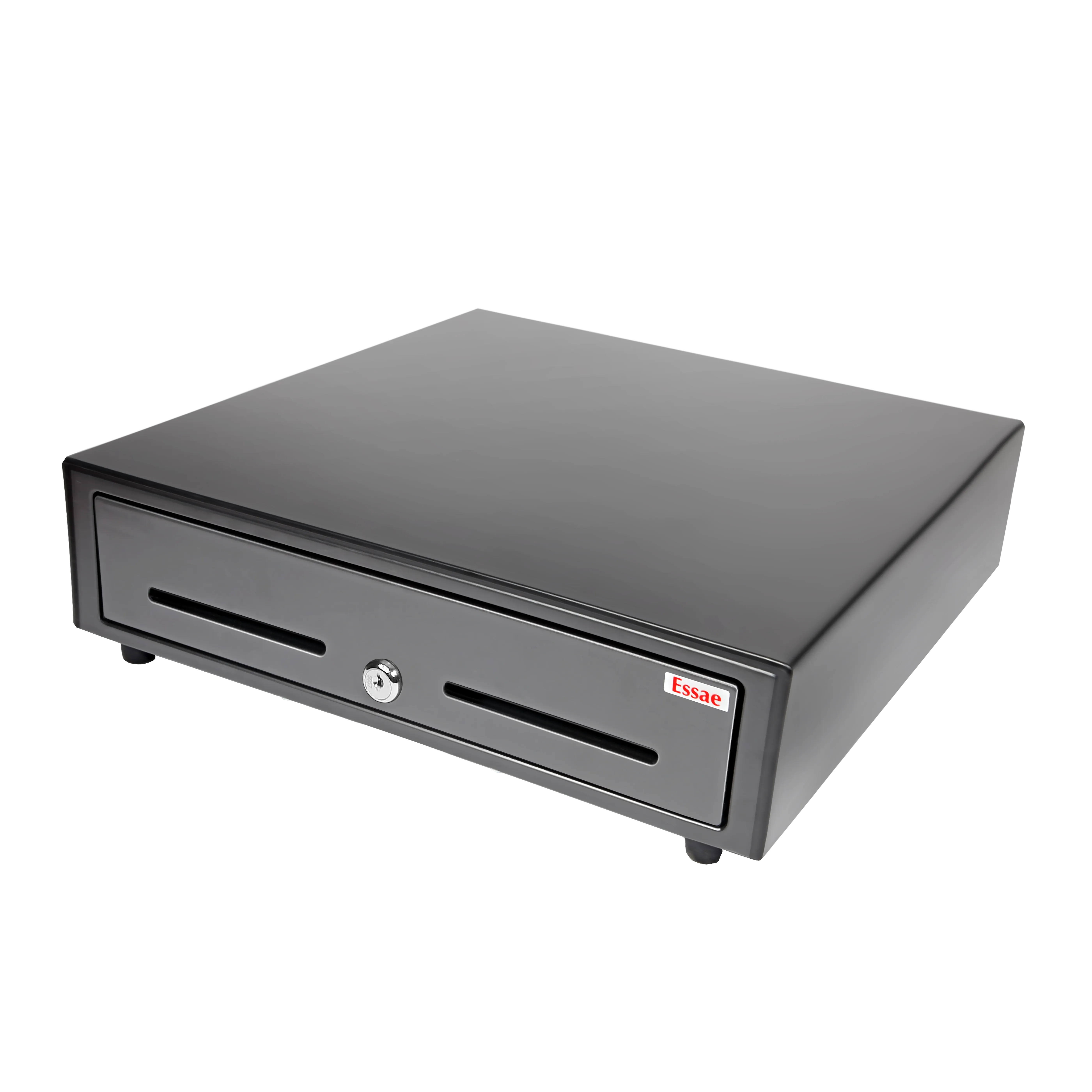
For a thermal printer, print speed and paper width matter most. A wider paper roll fits more item lines per bill, which is useful for supermarkets and grocery counters with long, itemized receipts. Print speed decides how quickly a queue clears during busy hours.
For a barcode scanner, the ability to read both 1D and 2D codes is worth checking before buying, especially with UPI QR payments now common at Indian counters. Knowing how a barcode scanner works helps explain why this distinction matters: a scanner that only reads 1D barcodes will need a separate device for QR-based payments, adding an extra step at checkout.
A touch screen POS machine that already connects to both a printer and a scanner removes some of this decision-making, since the terminal is built to work with a matched set of peripherals rather than devices chosen separately.
What Can Go Wrong with These Devices at a Busy Counter?
Both devices tend to fail in fairly predictable ways during a rush, usually tied to the same mechanics covered in how a thermal printer works and how a barcode scanner works.
- A thermal printer left near a heat source can produce receipts that fade faster than expected, even before the ink-free paper reaches a customer's pocket.
- Low-quality thermal paper can jam more often, since it does not feed through the printer as smoothly as paper made for the machine.
- A barcode scanner struggles with labels that are creased, torn, or printed at an angle, since the reflected light pattern becomes harder to read.
- A scanner limited to 1D codes cannot read a QR-based payment code, which shows up as a scanning failure even though the device itself is working correctly.
Most of these issues come down to matching the right paper and scanner type to the counter, rather than a defect in the hardware itself.
How Does Essae Approach These Billing Counter Devices?
Essae builds thermal printers, barcode scanners, and POS terminals designed to work as one connected billing counter setup, rather than as separate devices chosen independently. This is meant to reduce the mismatches that usually cause paper jams, slow prints, or failed scans during busy hours.
For a business setting up or upgrading a counter, Essae's POS machine options connect to matched printers and scanners from the same range, so the hardware is tested to work together rather than assembled from unrelated parts.