Most delays in a restaurant trace back to one broken link in the restaurant KOT workflow, not the kitchen itself. An order written unclearly, a ticket that never reaches the right printer, or a missed modifier can slow down service just as much as a busy kitchen can. Understanding the workflow from start to finish makes it easier to see exactly where that break happens.
What Is a KOT?
KOT stands for Kitchen Order Ticket, the instruction that tells the kitchen what to prepare for a table. When a waiter takes an order, that order becomes a kitchen order ticket, either handwritten on a slip or generated through a POS terminal, and sent through to the kitchen.
The kitchen order ticket sits at the center of the restaurant KOT workflow, connecting the waiter, the kitchen, and the final bill. It typically carries the table number, item names, quantities, and any special instructions such as spice level or allergy notes.
Restaurants sometimes confuse a KOT with a bill or an order slip, though the two serve different purposes. A KOT tells the kitchen what to cook. A bill tells the customer what they owe. This workflow depends on both staying in sync, since a mismatch between the two usually means an incorrect final bill. A restaurant handling a high volume of orders each evening notices this most, since even a small mismatch multiplies quickly across dozens of tables.
What Does the Restaurant KOT Workflow Look Like Step by Step?
The restaurant KOT workflow follows a consistent sequence, whether it runs on paper or through a digital system.
- The waiter takes the order at the table, noting items, quantities, and any special requests.
- A kitchen order ticket is generated, either written by hand or created through a POS terminal.
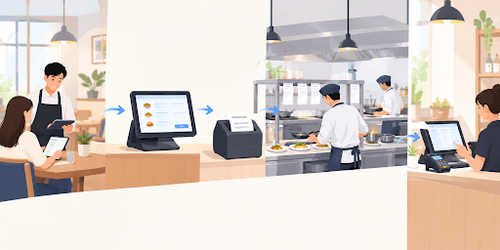
- The KOT is sent to the kitchen, usually through a printed slip at a kitchen printer.
- Kitchen staff prepare the order based on what the KOT specifies, in the sequence tickets arrive.
- The dish is served to the table, and the KOT is marked as completed.
- The order is added to the table's bill, ready for the final payment step.
A POS hardware setup connects each of these steps, so the order entered at the table automatically becomes both the kitchen ticket and the line item on the final bill, without re-entry at any stage. This kind of connected setup is what separates a smooth service flow from one where staff spends extra time checking that the ticket and the bill actually match.
How Is a Manual KOT Workflow Different from a Digital One?
Many smaller restaurants still run a manual version of this workflow, while larger or busier ones have moved to a digital setup. The steps stay the same, but the reliability at each step changes considerably.
| Workflow Step | Manual KOT Workflow | Digital KOT Workflow |
|---|---|---|
| Order taken | Handwritten on a notepad | Entered directly into a POS terminal |
| Ticket sent to kitchen | Carried physically by the waiter | Printed automatically at the kitchen printer |
| Order accuracy | Depends on handwriting and memory | Set by what was entered at the table |
| Billing | Manually matched against the KOT copy | Automatically added to the table bill |
A digital restaurant KOT workflow removes the handoff points where handwriting, memory, or a lost slip usually causes an error, which is why busier restaurants tend to move away from a manual setup as order volume grows. The choice usually comes down to table count and how many orders pass through the kitchen during peak hours, rather than restaurant size alone.
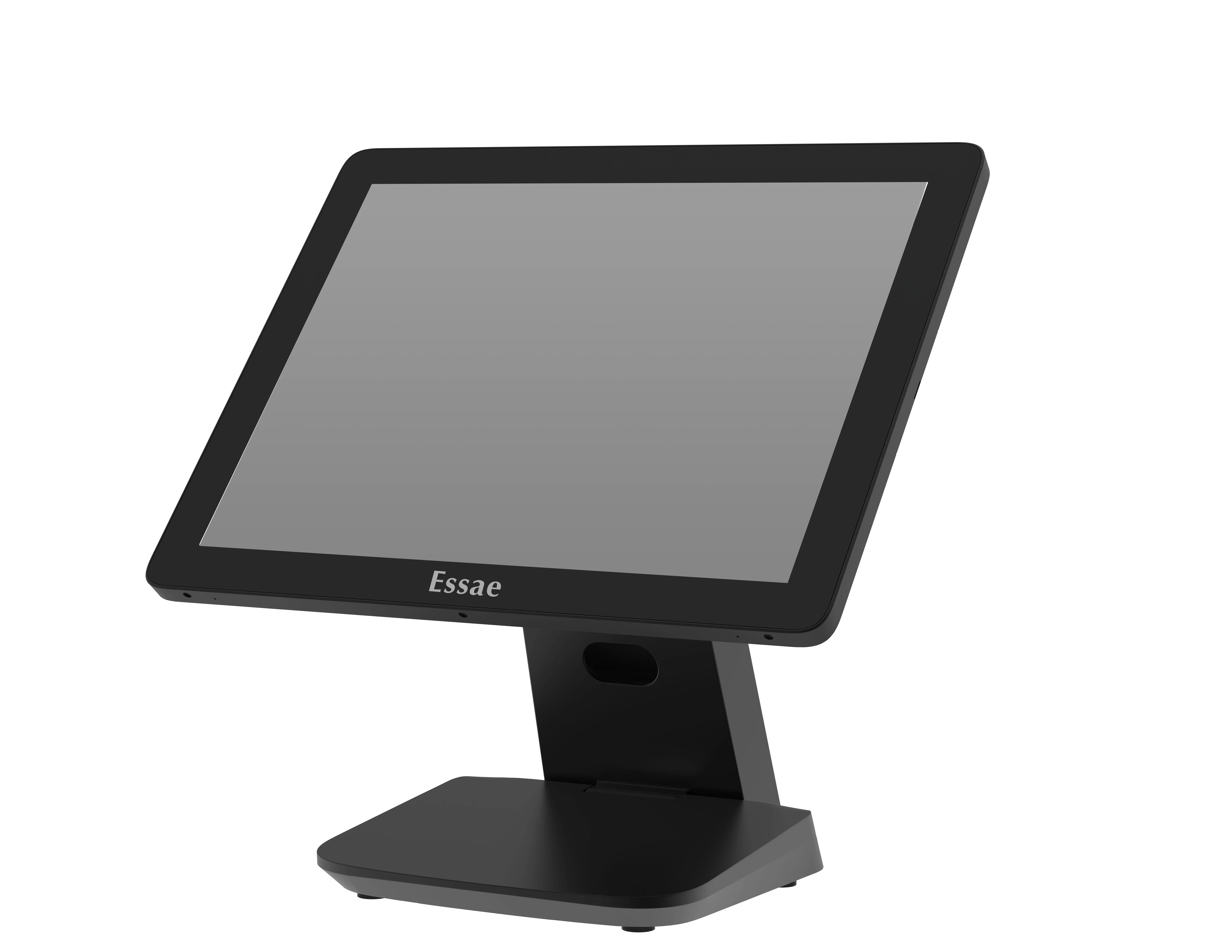
An all-in-one POS machine is often the simplest way to make that move, since it combines order entry, kitchen printing, and billing into a single counter unit rather than several separate devices to keep in sync.
What Hardware Keeps a Restaurant KOT Workflow Running Smoothly?
The restaurant KOT workflow depends on a small set of devices working together at the same time, not on any single piece of equipment.
- POS terminal: where the waiter enters the order, starting the entire workflow.
- Kitchen printer: prints the KOT as soon as the order is confirmed, so the kitchen sees it immediately.
- Billing printer: generates the final bill once the table is ready to pay.
- Cash drawer: stores cash payments securely and connects to the billing step at the end of the workflow.
A connected cash drawer rounds out this setup, opening automatically once a bill is settled in cash, so the final step of the workflow closes cleanly. This matters most during peak hours, when a single missed step can hold up several tables at once.
What Goes Wrong When the KOT Workflow Breaks Down?
Even a well-designed restaurant KOT workflow can break down at a few predictable points.
- Handwritten tickets that are difficult to read, leading the kitchen to guess at an order.
- A ticket that gets misplaced between the table and the kitchen, so the order is never prepared.
- Special instructions that get missed because the KOT is too brief or rushed.
- A kitchen printer that jams or runs out of paper during a busy service period, delaying every order behind it.
A restaurant billing machine built for busy dine-in service reduces most of these failure points, since order entry, kitchen printing, and billing run through the same connected setup rather than separate manual steps.
How Does Essae Support a Restaurant's KOT Workflow?
Essae builds POS hardware for restaurants and food service counters, covering the order entry terminal, kitchen printing, and billing steps that make up this workflow. The range includes countertop and all-in-one configurations, along with peripherals such as cash drawers, built to work together as one connected counter setup.
For a restaurant reviewing its own restaurant KOT workflow, Essae's POS machine options cover configurations suited to different service styles and order volumes, from a single billing counter to a full dine-in setup with a separate kitchen printer.