
Display Type 1
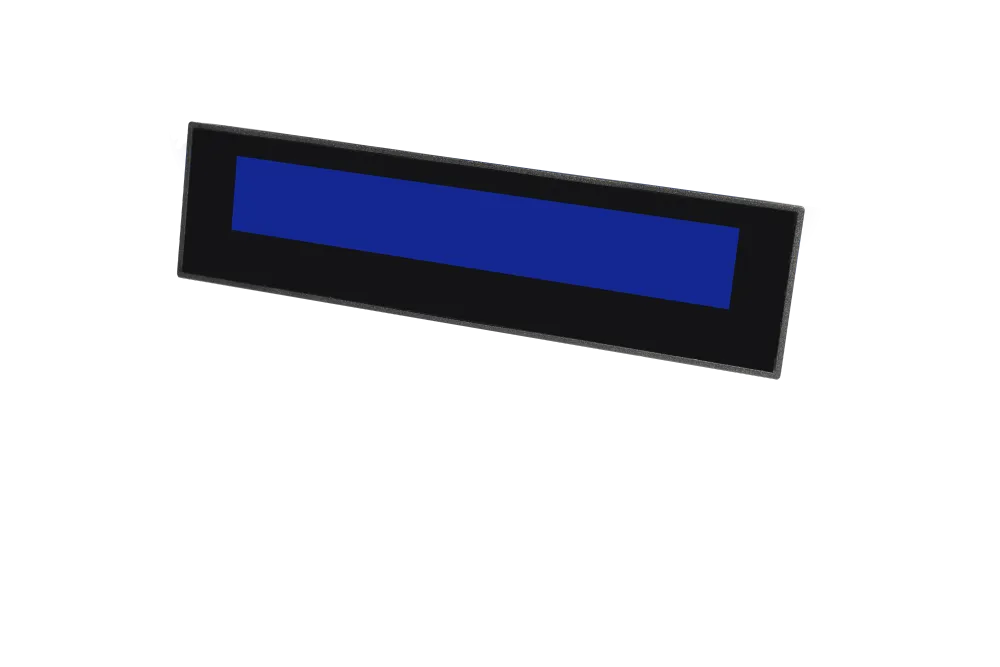
Transaction Clarity
Every item, rate and total appears on the customer's screen the moment it is entered no waiting for the printed bill.
Reduces Checkout Disputes
Wrong quantities and duplicate scans are caught in seconds, not after the receipt is printed.
Enhances Customer Trust
At a retail store billing machine, shoppers see prices exactly as advertised, and your store name or offer fills the screen between transactions.
Faster Billing at Peak Hours
Queries resolved in real time never become queue-stopping questions, a simple lesson in how to reduce checkout time.
Overview
2X20 Line Customer Display: Real Time Transaction Transparency for POS Counters
One of Essae's POS peripherals, the Customer Display sits on your billing counter and mirrors the transaction to the person paying for it item name, rate, quantity and total, line by line, as the cashier scans. Available in a Graphic LCD version with blue backlight and a VFD version with green display, it connects over a single USB cable, draws power from the same cable, and works with Windows 10 billing software through standard OPOS and JPOS drivers.
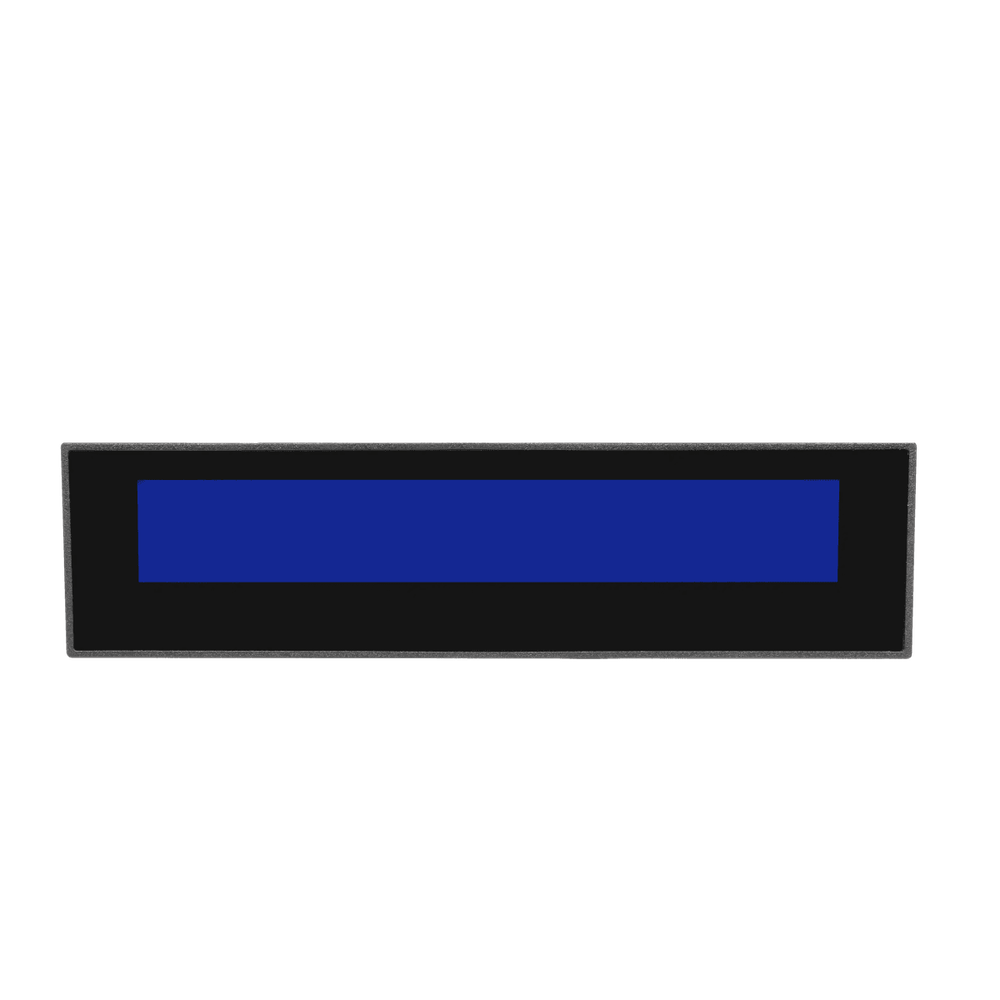
Customer Display at a glance
Display Type 2
VFD Green display.
Software driver
OPOS / JPOS : Windows 10
| General | |
|---|---|
| Characters | 20 Characters x 2 Lines |
| Display Type 1 | Graphic LCD with Blue backlight. |
| Brightness | 1000 cd/m² |
| Display Type 2 | VFD Green display. |
| Brightness | 700 cd/m² |
| Power | |
| Power | DC 5V |
| Interface | |
| Interface | USB |
| Software driver | OPOS / JPOS : Windows 10 |
Why the Customer Display earns its keep
Eliminates Payment Confusion
Customers see exact totals before swiping their card, reducing disputes and refund requests.
Speeds Up Checkout Flow
Clear itemization enables staff to finalize payments instantly without clarification delays.
Builds Trust at the Counter
A professional, real time display signals transparent payment handling, boosting customer confidence and checkout efficiency.
Compatibility
Works with Every Essae POS Terminal
Designed and manufactured under the same roof as our POS systems, the Customer Display connects to any Essae POS machine through a single USB port no adaptors, no proprietary cabling, no compatibility guesswork. Because the unit draws its DC 5V power over the same cable that carries the data, setup is a matter of plugging it. With OPOS and JPOS driver support on Windows 10, it speaks the same standards based language as the rest of your POS Hardware, so your billing software recognises it immediately.
Pair it with
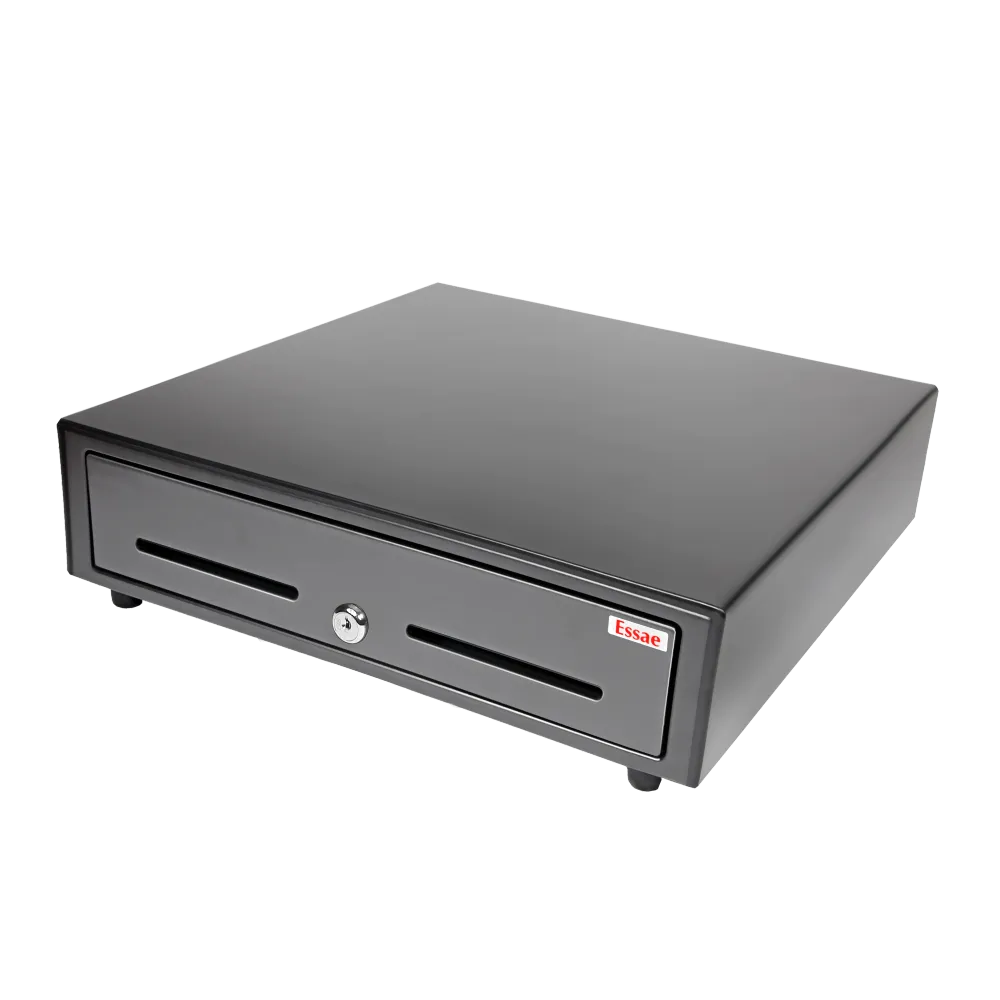
HS-410A POS Cash Drawer
A secure, heavy duty cash drawer engineered to integrate seamlessly with Essae POS systems. The HS-410A POS Cash Drawer is designed for continuous operation at busy billing counters, ensuring reliability and efficiency in high volume environments.
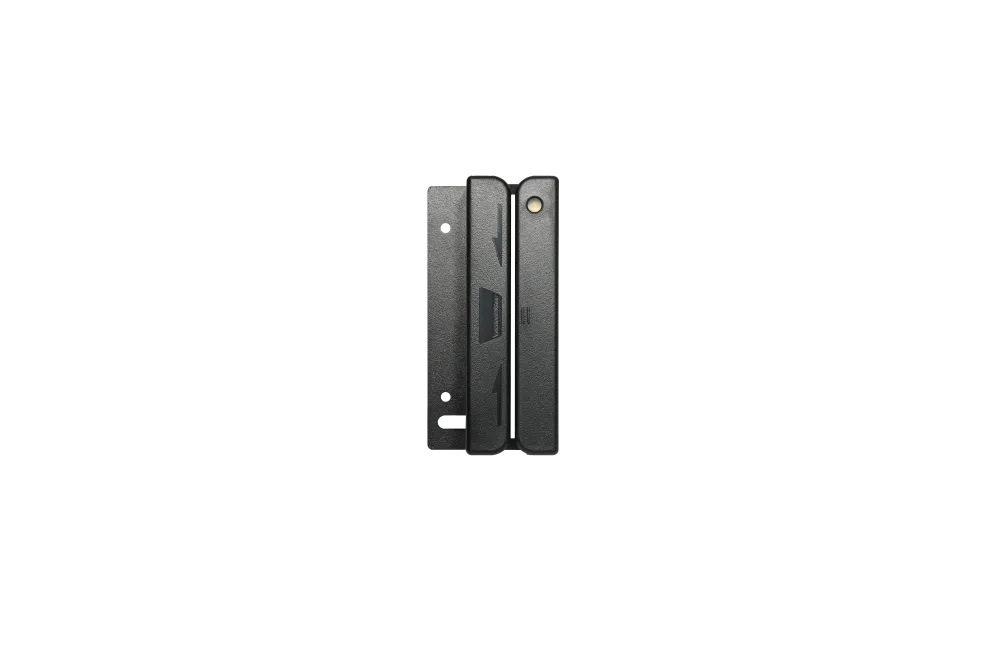
Magnetic Card Reader
Accurate and dependable MSR reader designed for retail, hospitality, and F&B point-of-sale environments. Ensures seamless card swipes and reliable payment processing across all billing counters.
FAQ
What exactly does a POS customer display do?
It repeats the billing transaction from your touch screen POS machine on a second screen facing the customer. As the cashier scans or enters each item, the customer sees the item description, rate, quantity and running total on the display in real time, followed by the net payable and, where the software supports it, the change due.
Should I choose the Graphic LCD or the VFD version?
It comes down to how your counter is lit and where your customer stands. The Graphic LCD with blue backlight is rated at 1000 cd/m² and is the safer choice for brightly lit showrooms, glass-fronted stores and counters that catch daylight. The VFD green display is rated at 700 cd/m² and offers the wide viewing angle and strong contrast typical of VFD technology, which suits counters where the customer often views the screen from the side. Our team can recommend one after understanding your counter layout.
How much information fits on the screen?
he display carries 20 characters across 2 lines 40 characters in total. In practice that is comfortably enough for an item description on one line and the amount on the other, which is the standard layout most billing applications use.
Does it need a separate power adaptor?
No. The display operates on DC 5V drawn over the USB connection, so a single cable to the billing POS handles both data and power.
Can I display my own message when no billing is happening?
Yes. The idle message is configurable, so the screen need not sit blank between customers. Stores commonly use it for a greeting, the store or brand name, a running offer, loyalty programme details, or a simple queue prompt such as "Next customer please." The exact method of setting it depends on your POS application, and our support team can guide you through it.
Contact Us
Tell us about your counters
We're happy to answer your questions and help you determine which Essae POS configuration best fits your counters.