
Display
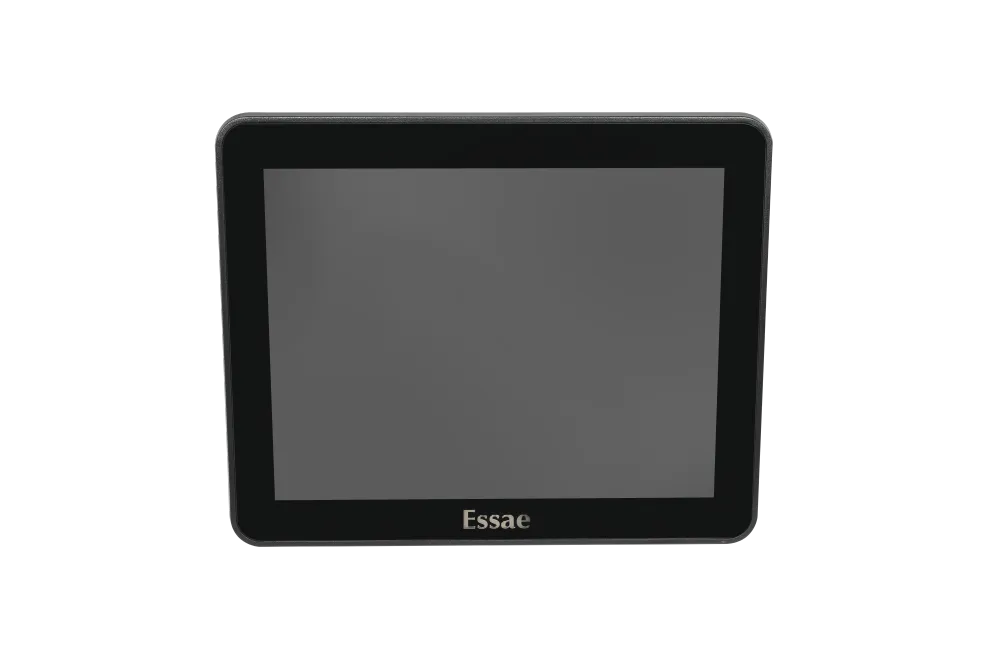
Dual Display Checkout
Minimize checkout friction with a dual display setup that keeps customers updated in real time throughout the transaction.
Plug and Play Integration
Connects to your widescreen POS system or compact terminal through a standard HDMI or USB port no proprietary controllers, no driver hunting, no service visit. Plug it in, position it toward the customer, and the display is live on the next bill.
Builds Purchase Confidence
When customers watch each item and price appear as it's scanned, there's nothing left to question. Fewer disputes at the till, and a checkout experience that earns repeat visits.
Overview
Second Display: POS Customer Facing Display for Trust at Checkout
Every second a customer spends waiting for a total is a second they spend wondering. The Essae Second Display, one of our POS peripherals, removes that doubt entirely. Mounted on a pole or arm facing the shopper, it mirrors the billing screen in real time item names, quantities, unit rates, applicable taxes and the running total appear the moment your operator scans them. Nothing is hidden behind the cashier's monitor. That simple change in visibility reduces billing disputes, shortens queue-side arguments, and gives customers a reason to trust your pricing without ever having to ask.
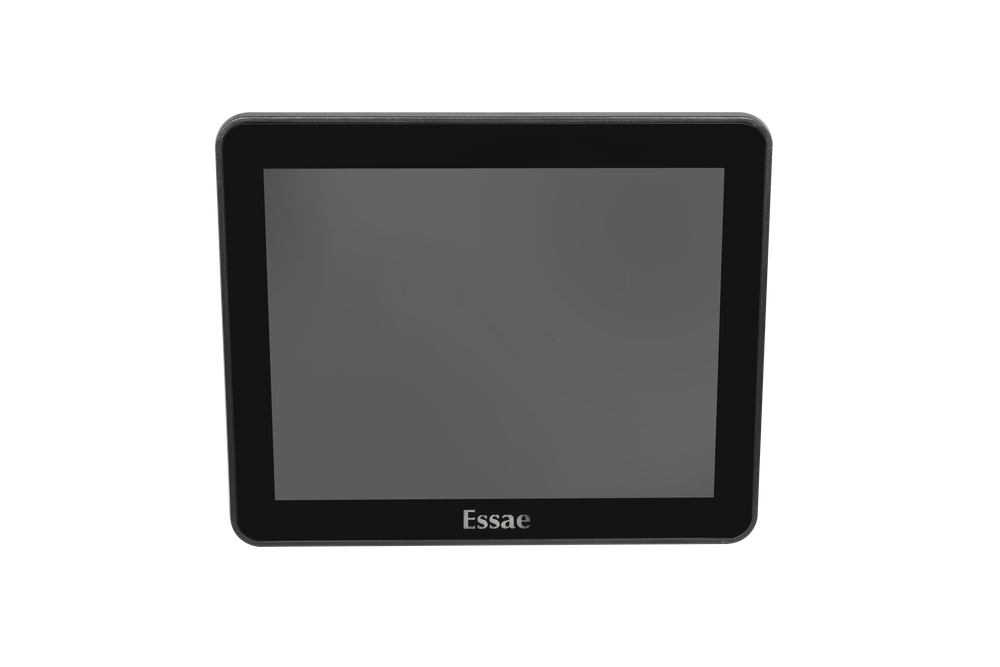
Second Display at a glance
LCD Type
TFT LCD (LED backlight)
Interface
HDMI / USB
| General | |
|---|---|
| LCD Type | TFT LCD (LED backlight) |
| Display | 9.7 inch Non Touch / 10.1 inch Non Touch |
| Resolution | 1024X768 / 1200X800 |
| Brightness | 300 cd/m² |
| Color | Black |
| Power | |
| Display Input | DC 12V / DC 3.3V |
| Interface | |
| Interface | HDMI / USB |
Why the Second Display Earns Its Keep
Cuts Payment Disputes
Transparent itemization and final totals reduce chargebacks and post-transaction disputes.
Increases Transaction Speed
Customers pay faster when the exact amount is visible upfront, boosting throughput during peak hours on a busy grocery POS system.
Builds Brand Trust
A professional dual-screen checkout setup signals credibility, reinforcing customer confidence and encouraging repeat visits.
Compatibility
Works with Every Essae POS Terminal
Designed alongside our POS range, so it fits the POS machine you already run. Standard HDMI and USB connectivity means installation takes minutes, not a service visit. Display, billing terminal, printer and scale all come from one manufacturer engineered to work together from the start, which covers most of a billing counter hardware checklist in one go.
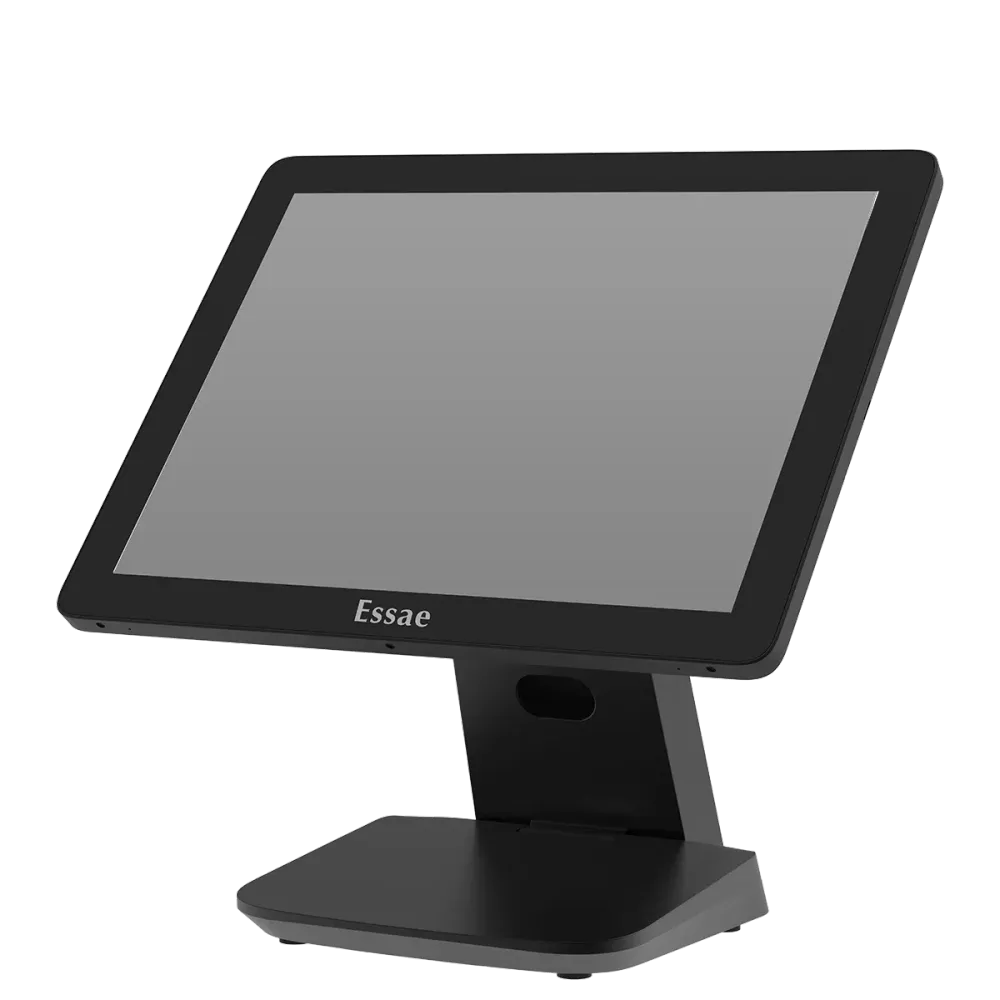
Pair it with
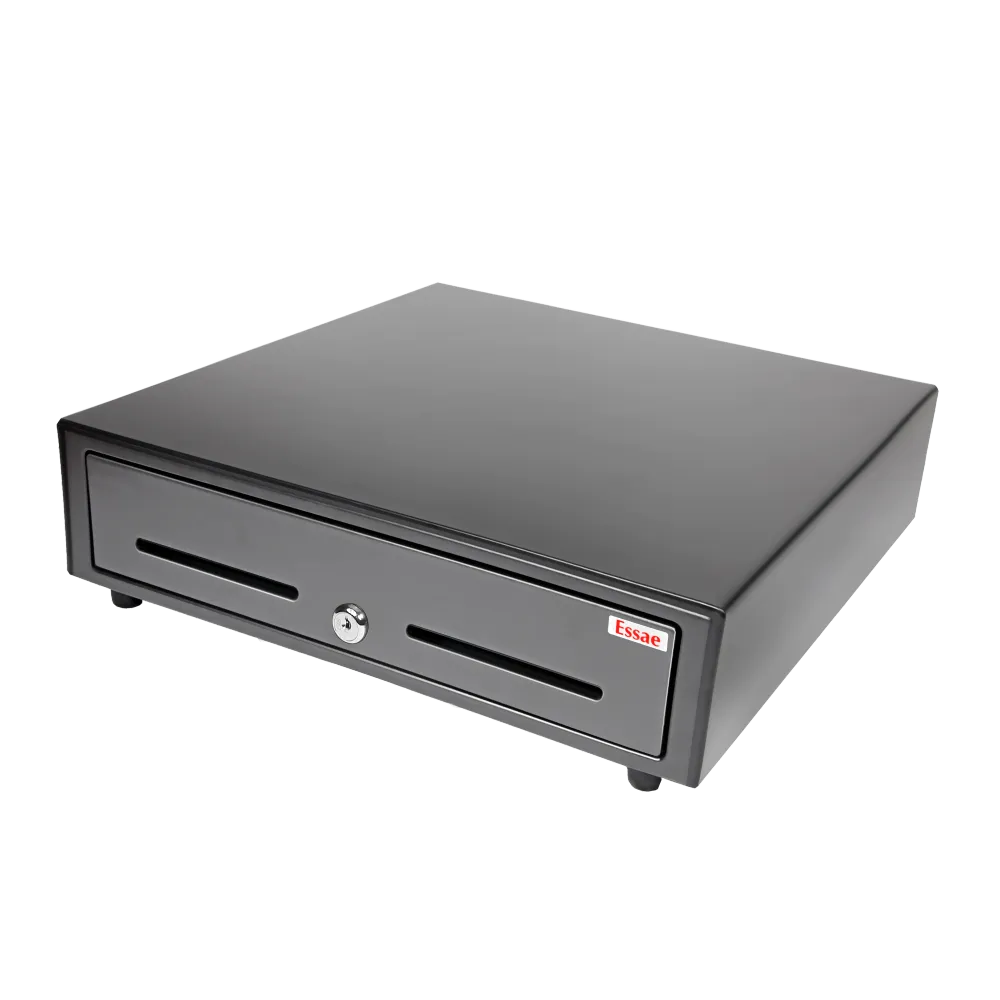
HS-410A POS Cash Drawer
A secure, heavy duty cash drawer engineered to integrate seamlessly with Essae POS systems. The HS-410A POS Cash Drawer is designed for continuous operation at busy billing counters, ensuring reliability and efficiency in high volume environments.
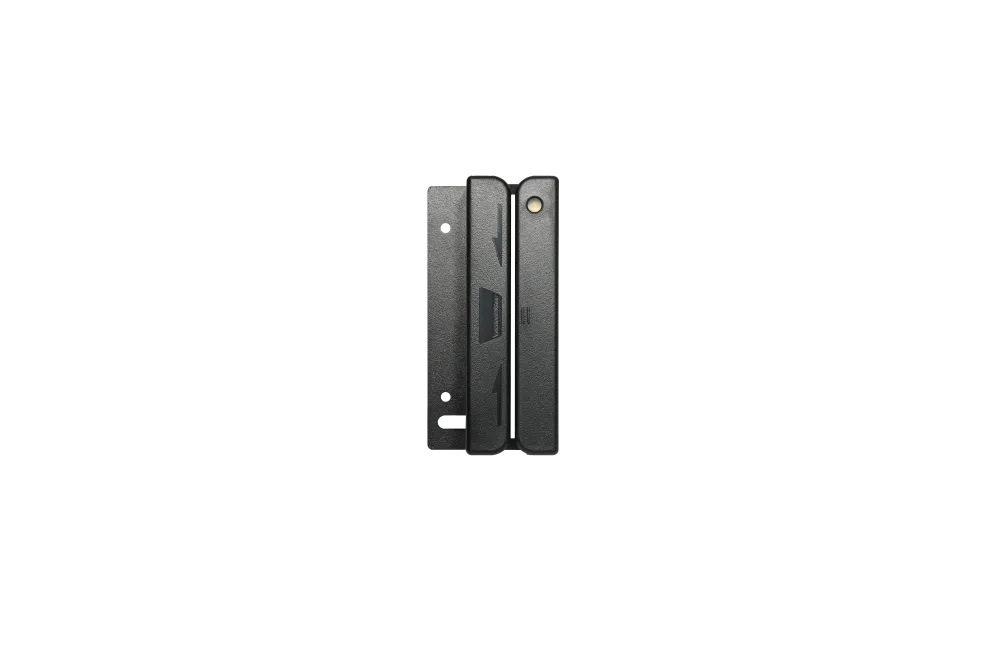
Magnetic Card Reader
Accurate and dependable MSR reader designed for retail, hospitality, and F&B point-of-sale environments. Ensures seamless card swipes and reliable payment processing across all billing counters.
FAQ
How quickly can we set up the second display in our existing POS setup?
Most counters are up and running in minutes, not hours. The display connects through a standard HDMI or USB port on your POS terminal, mounts on a pole or arm above the billing unit, and needs no proprietary hardware or drivers. The only step beyond plugging in is enabling the customer facing screen in your billing software usually a settings change, and something our team can guide you through.
Will the second display work with our current Essae terminal, or do we need to upgrade?
In most cases, no upgrade is needed. If your terminal has a free HDMI or USB port, the display connects directly. Share your terminal model with our team and we'll confirm compatibility before you order.
What information does the customer see on the second display?
Item name, quantity, rate, taxes and the running total, updating live as each product is scanned, ending with the final amount payable. Your billing software controls the display, so many setups can also show your logo or offers between transactions.
Is the Essae Second Display a touchscreen?
No. Both the 9.7-inch and 10.1-inch variants are non-touch by design. A customer-facing display doesn't need touch input; the operator handles billing on the touch POS machine.
Can I show my logo, offers or advertisements on the display?
Yes, in most cases. Because the unit works as a standard secondary display, what appears on it is controlled by your billing software. Many POS applications support branding, promotional images or idle-screen advertising on the customer display.
Contact Us
Tell us about your counters
We're happy to answer your questions and help you determine which Essae POS configuration best fits your counters.