Most delays at a billing counter come down to the hardware itself. A scanner that misreads barcodes, a printer that jams during a rush, or a cash drawer that will not sync with the terminal can slow down billing just as much as any other issue. A proper billing counter hardware checklist catches these gaps before the counter opens, ahead of the first queue forming.
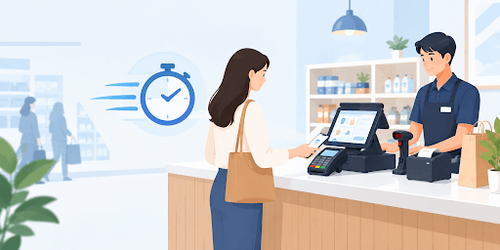
This matters more in Indian retail than it might seem, since most counters run on a mix of cash, card, and UPI in the same shift. A billing counter hardware checklist built around only one payment method usually breaks down the first time a customer wants to pay differently.
What Hardware Does a Billing Counter Actually Need?
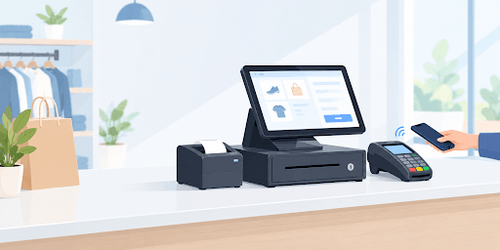
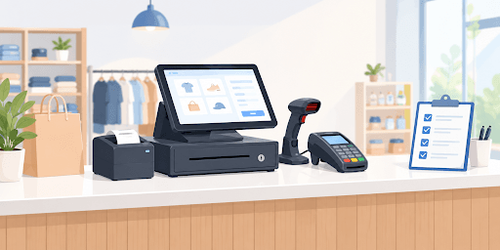
Every billing counter, regardless of shop size, depends on a small set of core devices working together, not any single piece of hardware.
- POS terminal: the screen and processor that handles billing and connects every other device.
- Barcode scanner: reads items instantly instead of relying on manual entry, which speeds up billing and cuts pricing errors.
- Receipt printer: prints the GST-compliant bill, ideally a thermal printer for speed and low upkeep.
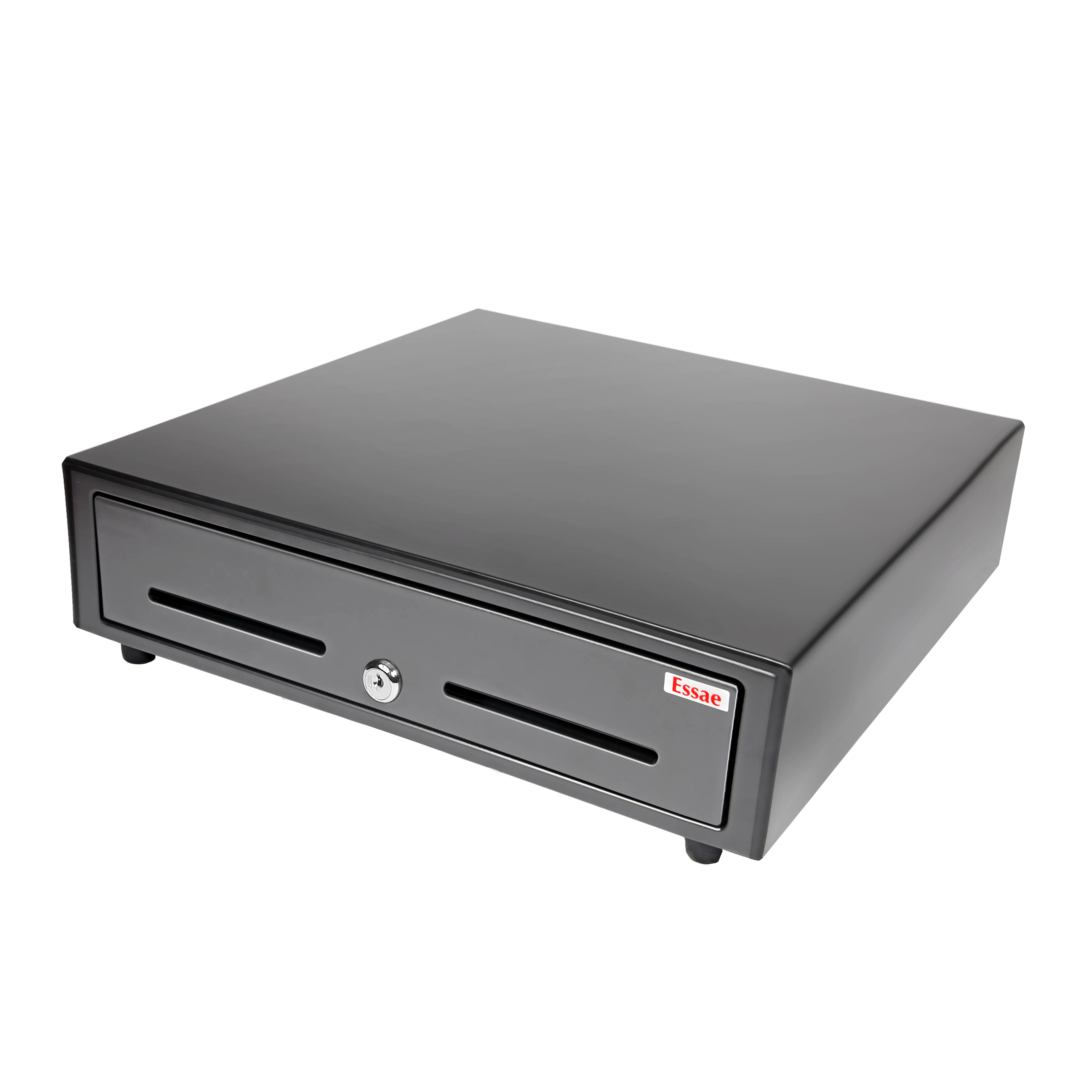
- Cash drawer: stores notes and coins securely and opens automatically once a cash sale is recorded.
- Customer display: shows the bill amount to the buyer before payment is confirmed.
Shops handling a high volume of GST invoices sometimes prefer a POS billing machine, since it combines several of these functions into one compact unit instead of relying on separate devices at the counter.
Buying each device separately can work, but it also means testing compatibility yourself: making sure the scanner talks to the billing system, the printer supports the GST format, and the cash drawer opens on cue. A bundled setup shortens that part of the billing counter hardware checklist considerably.
Does Every Shop Need a Full POS System, or Just a Billing Machine?
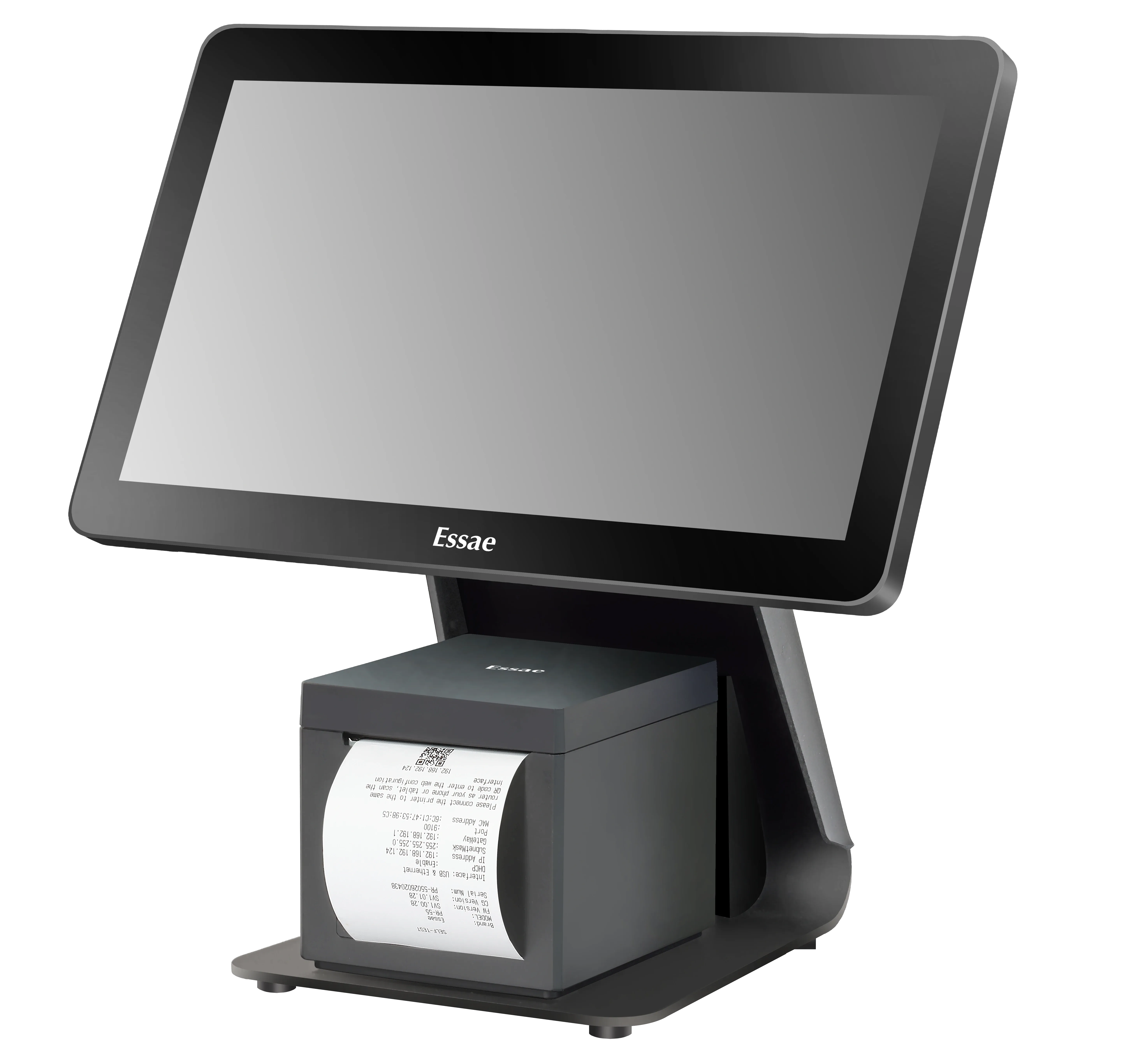
Different businesses need a different starting point on a billing counter hardware checklist. A small shop billing a handful of items a day may only need a plain billing machine that prints a GST-compliant invoice. A busier counter, or one accepting card and UPI payments, usually needs the fuller hardware set that a POS system brings together.
For apparel and lifestyle stores, a billing machine for shop counters typically needs to combine fast billing with a card reader in a compact footprint, since these spaces are usually smaller than a supermarket aisle.
Which Hardware Checklist Fits Your Type of Shop?
Every counter looks different, and the right billing counter hardware checklist depends on the kind of business running it.
| Shop Type | Must-Have Hardware | Nice-to-Have Hardware |
|---|---|---|
| Small kirana shop | Billing machine, receipt printer | Barcode scanner |
| Lifestyle or apparel store | POS terminal, card reader, receipt printer | Customer display |
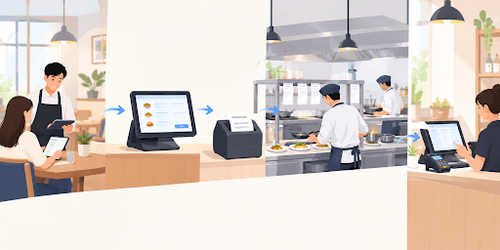
| Restaurant or F&B counter | POS terminal, receipt printer, kitchen printer | Customer display |
| Supermarket | POS terminal, barcode scanner, cash drawer, receipt printer | Weighing scale, customer display |
For counters that need a larger, easier-to-read screen for staff who are also managing catalogue lookups or split payments, a widescreen POS system covers that need without requiring a separate monitor.
What Else Belongs on the Checklist Before the Counter Opens?
A billing counter hardware checklist should also cover what happens once the devices are plugged in. A few steps decide whether the setup actually holds up during business hours.
- Confirm every device is tested against the billing system, including a sample GST invoice print, rather than just powered on.
- Plan for a backup power source, so billing continues through a short outage with battery backup for the terminal and printer.
- Check that the network connection supports card and UPI payments reliably, and confirm how billing continues if the connection drops.
- Keep a cash drawer that locks and connects to the terminal, so cash sales are recorded automatically rather than tracked by hand.
- Record the model, serial number, and warranty details of each device, so replacing one piece later stays a quick swap rather than a full re-test of the counter.
How Much Does Billing Counter Hardware Cost in India?
Hardware costs vary widely depending on how much of the checklist a business needs to cover in one go. Entry-level tablet or mobile setups typically cost less than full desktop terminals with a scanner, printer, and cash drawer bundled in, and a complete desktop setup with peripherals tends to sit well above a basic mobile or handheld configuration.
Rather than buying the most complete setup available, it helps to match spending to the checklist a shop actually needs: a lifestyle store billing light volumes can work with a smaller hardware budget than a multi-counter supermarket.
Treating cost as part of the billing counter hardware checklist, rather than a separate decision made afterward, helps balance spending: enough on peripherals a counter will actually use, and enough capacity in the printer and terminal to keep pace as customer traffic grows.
How Does Essae Approach Billing Counter Hardware?
Essae builds billing counter hardware for Indian retail, food and beverage, and supermarket counters, with POS terminals, billing machines, and peripherals such as cash drawers and customer displays designed to work as one system rather than separate purchases. This is meant to shorten the checklist for a business setting up a new counter, since compatibility between devices is handled upfront.
For a business opening a second or third outlet, this also means fewer configuration decisions to repeat each time, since the same checklist and hardware combination can be standardised across counters.
For businesses using this checklist, Essae's POS machine options include countertop, billing-only, and widescreen configurations so that you can match the setup to your shop type and billing volume rather than a one-size-fits-all approach.